
How to Order Your Supplements
-
Scan the QR code or click the affiliate link Affiliate link to Cheyne Family Wellness exclusive patient storefront:
https://www.thorne.com/u/cfwellness

- Add items to your cart Browse the Cheyne Family Wellness dispensary and select the supplements you need.
-
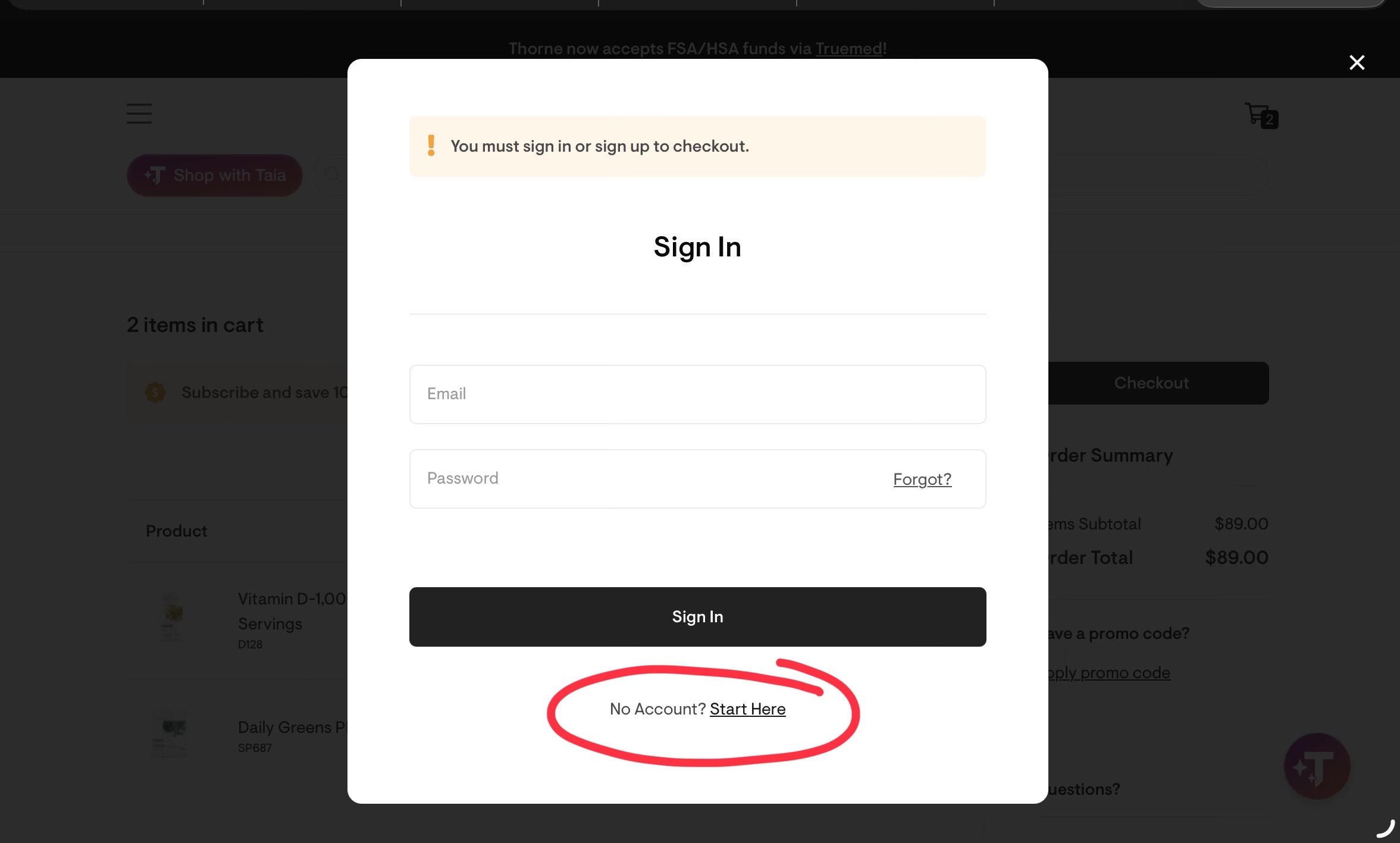
Create a new account at checkout When checking out, be sure to create a NEW account.
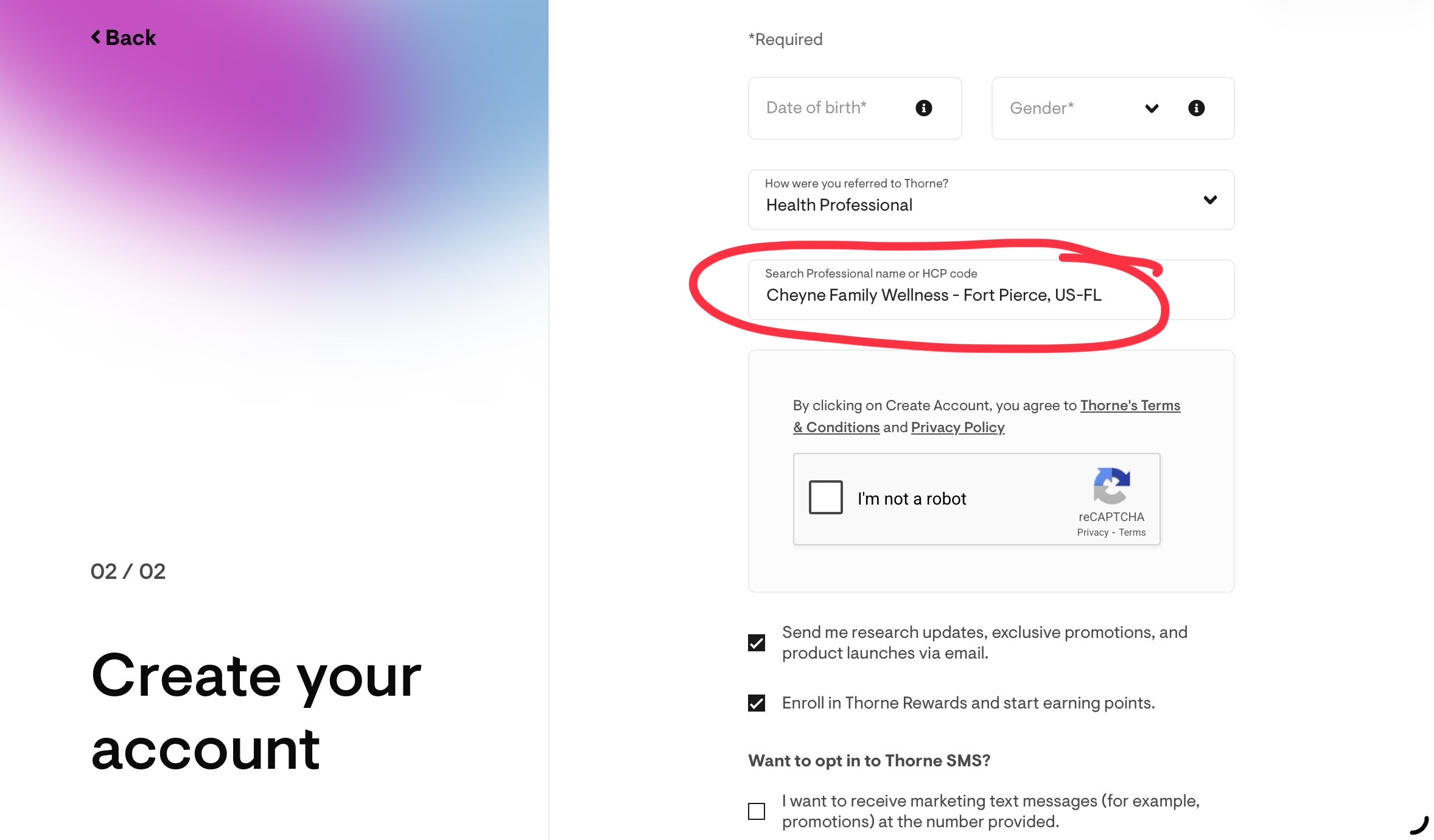
“Cheyne Family Wellness” should automatically appear as your referring health professional.
-
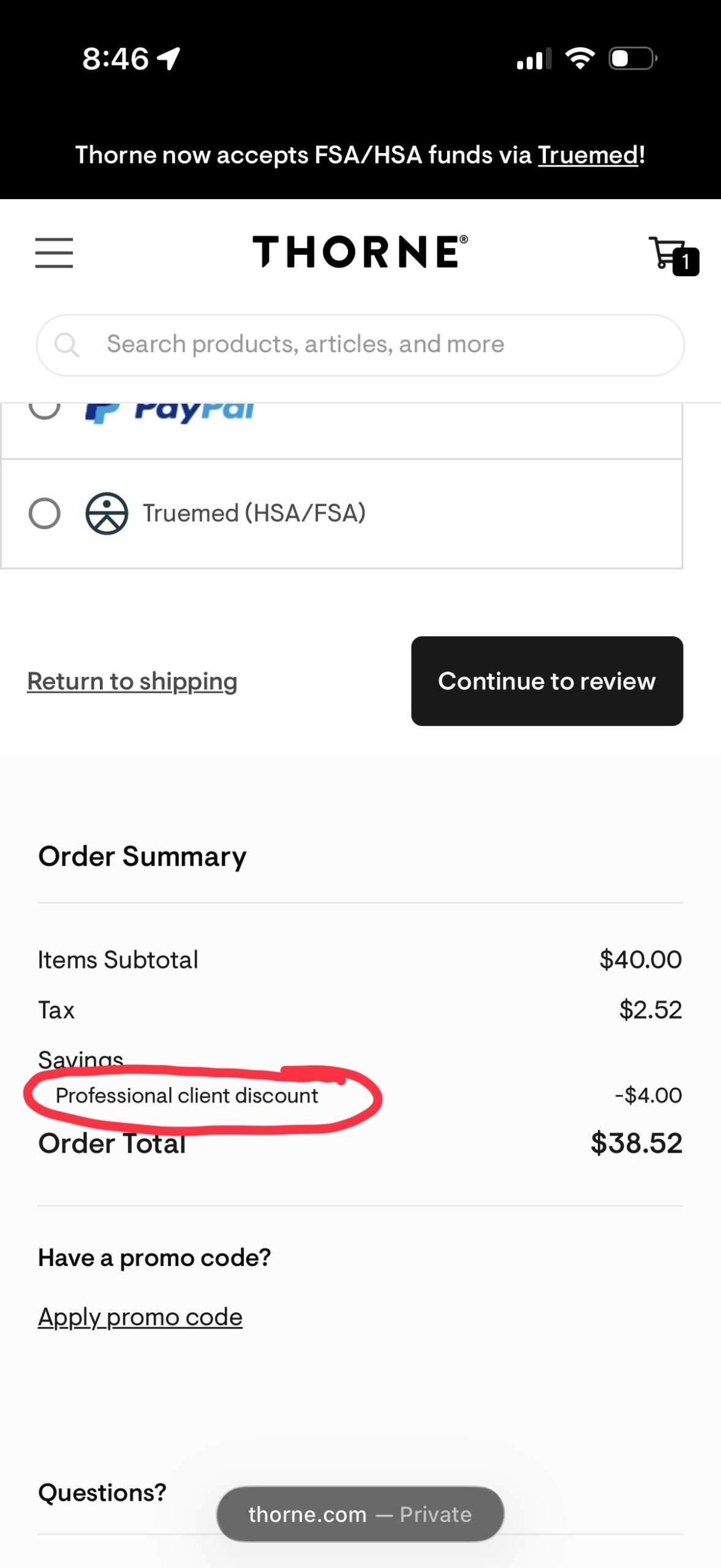
Complete your purchase Continue through checkout and you will see your professional client discount applied to your total.
Direct Access Link:
https://www.thorne.com/u/cfwellness
QR Code: